Parallel
A crew, not a chat
Run many agents side by side, each with its own directory, model and effort. One click gives a minion its own git worktree and branch, so several can work in one repository at once.

agents at your command
Run a crew of Claude Code agents from one terminal.
Approve, review and steer them all in one place.
$ curl -fsSL https://minions.ella.to/install.sh | sh
Apple Silicon and Intel. Run it again any time to update.
See what it does · Other ways to install
$ minions upstart the daemon$ minionsopen the UInsend out a minionRun many agents side by side, each with its own directory, model and effort. One click gives a minion its own git worktree and branch, so several can work in one repository at once.
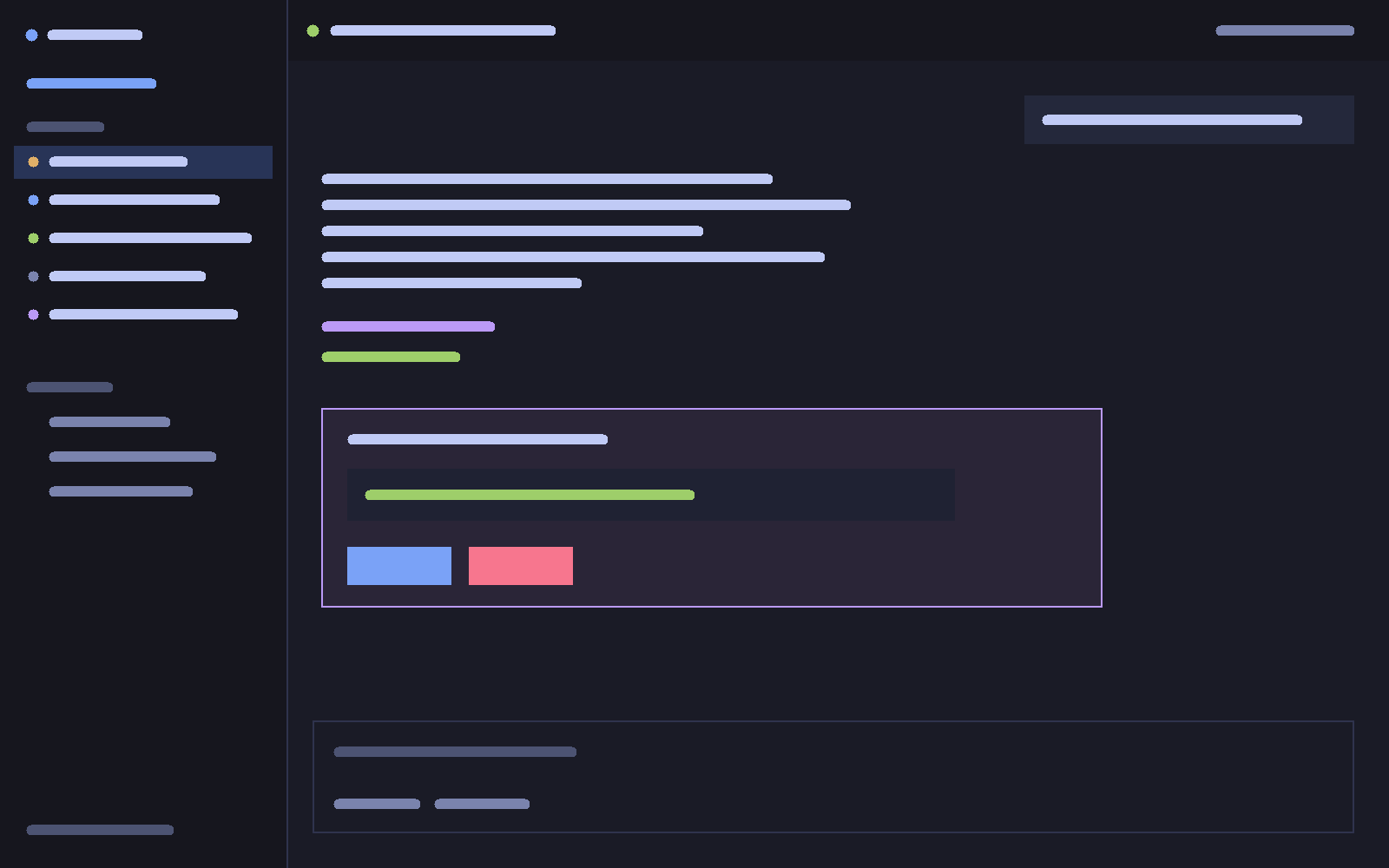
Risky tool calls and plans wait for you: Allow, Deny, Approve plan. The sidebar flags whichever minion needs you.
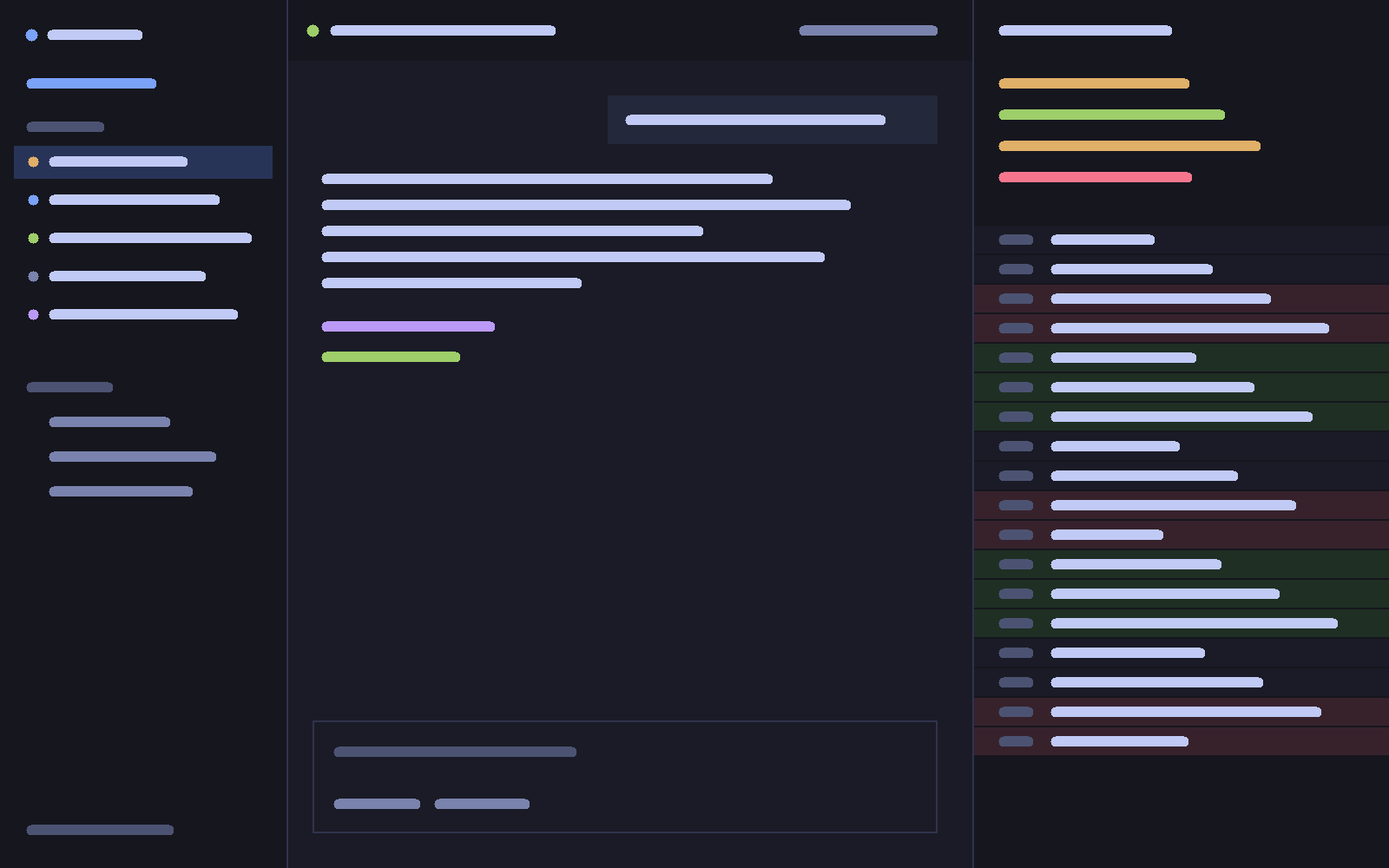
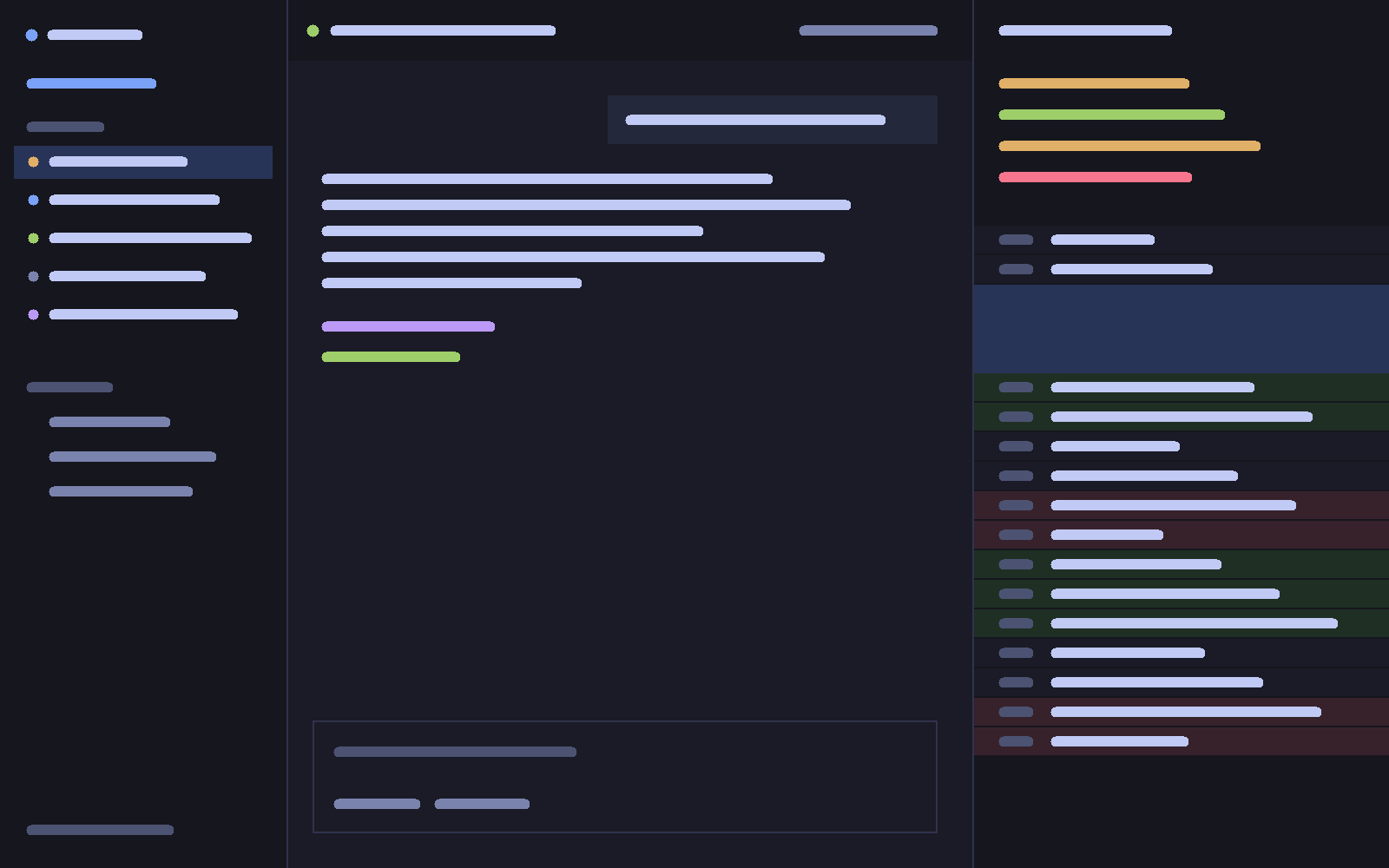
A live, line-numbered diff per minion. Click a message to see only what it changed. Select lines and send them back as context.
Fuzzy-find any folder on the machine. Type doc mini, press ⏎, and the minion is on its way.

Estimated cost, tokens and cache hits by day, model and project, for every Claude Code session on the machine.

A small daemon keeps minions working when you close the UI, and resumes every conversation after a restart.
Run the daemon on a server and drive it from your laptop with minions --server.
See Claude sessions from other terminals live, and continue any of them as a minion.
Your machine stays awake while minions work, and sleeps when they're done.
n new · c changes · u usage · ⌥↑↓ switch. Mouse works too.
Drag files into the composer. Images go inline. Messages queue while Claude works.
Dark, light, or your own palette in a JSON file.
The daemon listens on a private unix socket. Everything is recorded in SQLite on your machine.
One line. Run it again any time to update.
Needs Claude Code and git.
$ curl -fsSL https://minions.ella.to/install.sh | sh
Apple Silicon and Intel. Run it again any time to update.
$ minions upstart the daemon$ minionsopen the UI